• About Us
  • Advertise
  • Contact Us
  • Privacy Policy
Monday, February 23, 2026
NewsOnline Nigeria
  • Headlines
  • Top Stories
  • Politics
  • Crime Watch
  • Entertainment
  • Sports
No Result
View All Result
  • Headlines
  • Top Stories
  • Politics
  • Crime Watch
  • Entertainment
  • Sports
No Result
View All Result
NewsOnline Nigeria
No Result
View All Result
  • Headlines
  • Top Stories
  • Politics
  • Crime Watch
  • Entertainment
  • Sports
ADVERTISEMENT
ADVERTISEMENT
Home Jobs & Opportunities

How To Register And Submit Applications On CBN PVS Portal

Below is the guide to register and submit applications on the Price Verification System.

by NewsOnline Nigeria
September 25, 2023
in Jobs & Opportunities, Top Stories
0
Godwin Emefiele

CBN

How to Register and submit applications on the CBN PVS Portal.


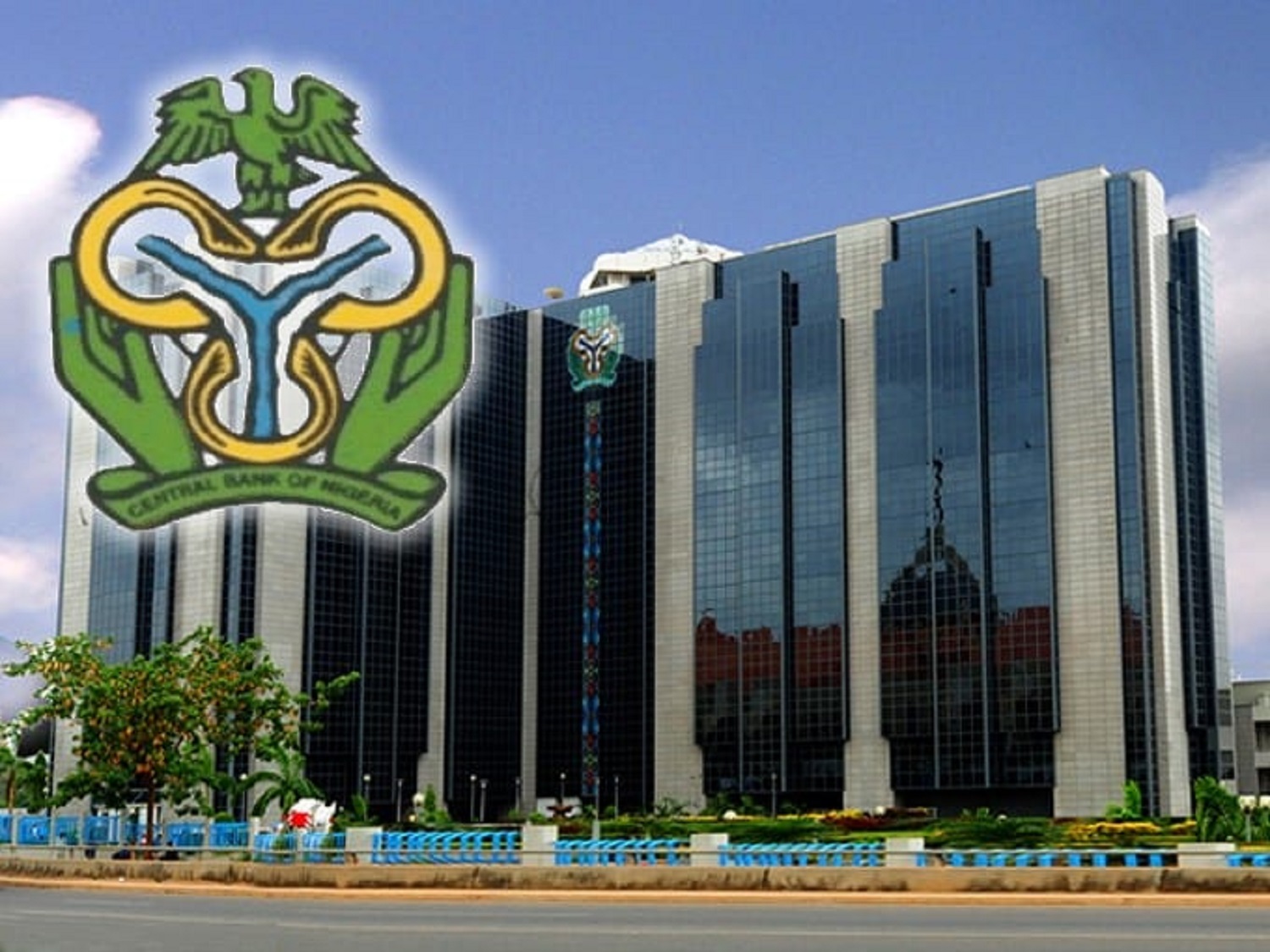
As instructed by the Central Bank Of Nigeria as of August 31st, 2023, all applications for Form M must include a valid price verification report generated from the price verification portal in line with the CBN drive to ensure transparency and accuracy in trade transactions.


We have decided to create this post to show you How To Register And Submit Applications On CBN Price Verification System PVS Portal. Below is the guide to register and submit applications on the Price Verification System.


1. Visit https://pvs.cbn.gov.ng

2. Click “Are you a Supplier or Importer? Get Started.

3. Register by searching for your Tax Identification Number (TIN).

4. Review the TIN-generated details.

5. Fill in the required fields and submit.


After successful registration, generate your Price Verification Report in the following steps:

a. Log in to the Price Verification

b. Log in to the Price Verification Portal.

c. Select “Create Form” under Form M.

d. Click “Proceed” on the reference number pop-up.

e. Complete all mandatory fields and select “Save” to proceed.

f. Input item details or use the bulk upload feature.

g. Complete “Summary Details.

h. Select “Save and Proceed” to submit.

i. Access your Form in “View Forms” and download the XML for your Price Verification Report.

j. Proceed to the Form M portal, fill out your Form M, and submit.

Your application will be sent to the Bank for validation and approval.

Previous Post

Tinubu Government Launches NATEP Youth Employment Programme

Next Post

UBA Approves $6bn To Boost SMEs In Africa

Next Post
UBA

UBA Approves $6bn To Boost SMEs In Africa

Trending Stories

No Content Available

Latest Stories

Nigeria’s Political Class

Failure Becomes Festivity in Nigeria’s Political Class By Festus Edovia

Festus Edovia

Power at All Cost: The Politics of Desperation By Festus Edovia

APC

APC Sweeps Five of Six Chairmanship Seats in FCT Area Council Elections (FULL LIST)

Apple

Apple Warns iPhone Users as iPhone 6s, SE, Older Models Added to Obsolete List

2027 Politics

2027 Politics Heats Up as ‘Village Boys Movement’ Launches in Abuja, Backs Value-Based Leadership

El-Rufai

BREAKING: DSS to Arraign El-Rufai Over Alleged Cybercrime, National Security Breach

Zoho

Zoho Celebrates 30 Years, Reaches One Million Customers and 150 Million Users Worldwide

Alex Otti

BREAKING: Tinubu Mounts Pressure On Alex Otti to Join APC, Obi To Step Down

King Charles III

King Charles III Backs Probe of Andrew Mountbatten-Windsor After Arrest on 66th Birthday

Former Governor Nasir El-Rufai

ICPC Raids Former Governor Nasir El-Rufai’s Residence Amid Detention

NewsOnline Nigeria

Get the Latest Naija News, Breaking News, Top Stories, World News, Business, Politics & Entertainment from NewsOnline Nigeria.

RELEVANT PAGES

  • About Us
  • Advertise
  • Contact Us
  • Privacy Policy

ALERT US

Important Press Releases, Special Investigations: [email protected]

OFFICE ADDRESS

13 Poland Street, London, United Kingdom (UK)

Copyright © 2026 NewsOnline Nigeria

No Result
View All Result
  • Headlines
  • Top Stories
  • Politics
  • Crime Watch
  • Entertainment
  • Sports

Copyright © 2023 Newsonline Nigeria